Dota 2 hero customisation: recolour in 3D
Recolour any of the 127 heroes in any colour: open the 3D model, turn it with the mouse, click a body part or weapon and pick a colour on the RGB wheel. Colour single parts or the whole hero at once, plus the ability icons. The D2A Mods app puts the colours into the game, and only you see them.
How it works
- Pick a hero below and colour it in the editor.
- Copy the colour code, or open the editor straight from the D2A Mods.
- Press Install in the app: it recolours the hero’s textures from the game’s own files.
- Default hero models are recoloured. Paid Valve cosmetics are neither included nor unlocked.
Heroes
 Abaddon
 Alchemist
 Ancient Apparition
 Anti-Mage
 Arc Warden
 Axe
 Bane
 Batrider
 Beastmaster
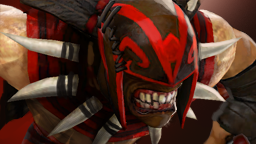 Bloodseeker
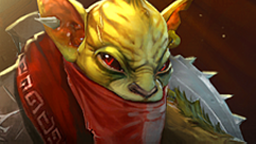 Bounty Hunter
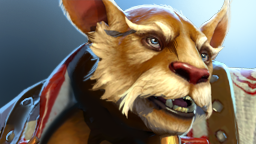 Brewmaster
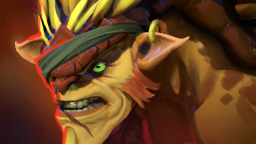 Bristleback
 Broodmother
 Centaur Warrunner
 Chaos Knight
 Chen
 Clinkz
 Clockwerk
 Crystal Maiden
 Dark Seer
 Dark Willow
 Dawnbreaker
 Dazzle
 Death Prophet
 Disruptor
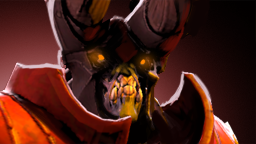 Doom
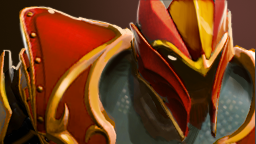 Dragon Knight
 Drow Ranger
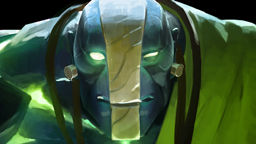 Earth Spirit
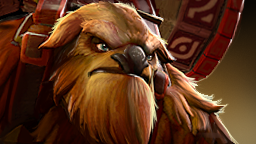 Earthshaker
 Elder Titan
 Ember Spirit
 Enchantress
 Enigma
 Faceless Void
 Grimstroke
 Gyrocopter
 Hoodwink
 Huskar
 Invoker
 Io
 Jakiro
 Juggernaut
 Keeper of the Light
 Kez
 Kunkka
 Largo
 Legion Commander
 Leshrac
 Lich
 Lifestealer
 Lina
 Lion
 Lone Druid
 Luna
 Lycan
 Magnus
 Marci
 Mars
 Medusa
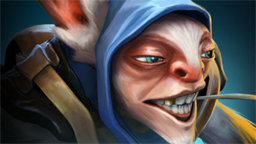 Meepo
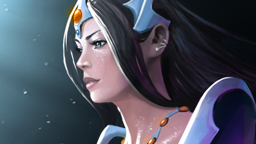 Mirana
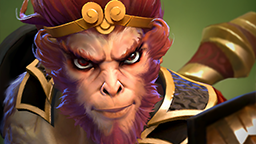 Monkey King
 Morphling
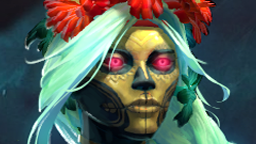 Muerta
 Naga Siren
 Nature's Prophet
 Necrophos
 Night Stalker
 Nyx Assassin
 Ogre Magi
 Omniknight
 Oracle
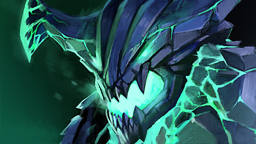 Outworld Devourer
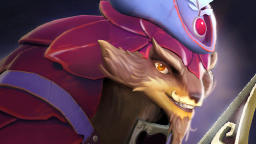 Pangolier
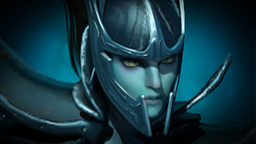 Phantom Assassin
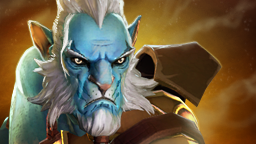 Phantom Lancer
 Phoenix
 Primal Beast
 Puck
 Pudge
 Pugna
 Queen of Pain
 Razor
 Riki
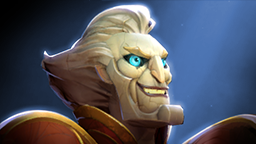 Ring Master
 Rubick
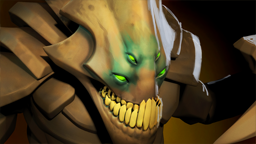 Sand King
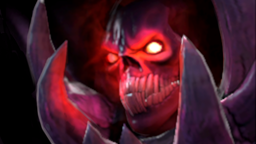 Shadow Demon
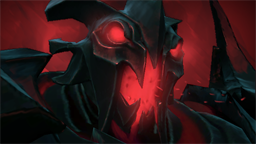 Shadow Fiend
 Shadow Shaman
 Silencer
 Skywrath Mage
 Slardar
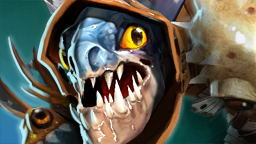 Slark
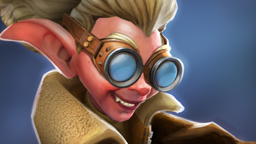 Snapfire
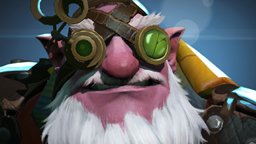 Sniper
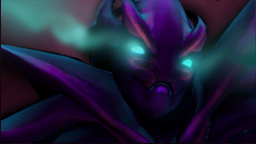 Spectre
 Spirit Breaker
 Storm Spirit
 Sven
 Techies
 Templar Assassin
 Terrorblade
 Tidehunter
 Timbersaw
 Tinker
 Tiny
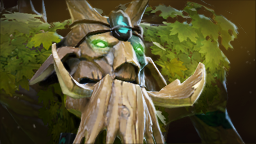 Treant Protector
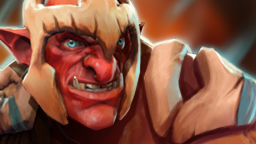 Troll Warlord
 Tusk
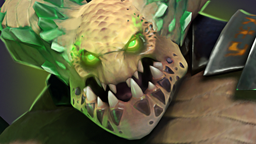 Underlord
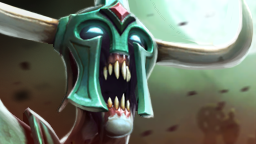 Undying
 Ursa
 Vengeful Spirit
 Venomancer
 Viper
 Visage
 Void Spirit
 Warlock
 Weaver
 Windranger
 Winter Wyvern
 Witch Doctor
 Wraith King
 Zeus